Make your own tours and scavenger hunts
For teachers and students. Build inside a real tomb, temple or museum, and share it with your class as one link.
- L.1
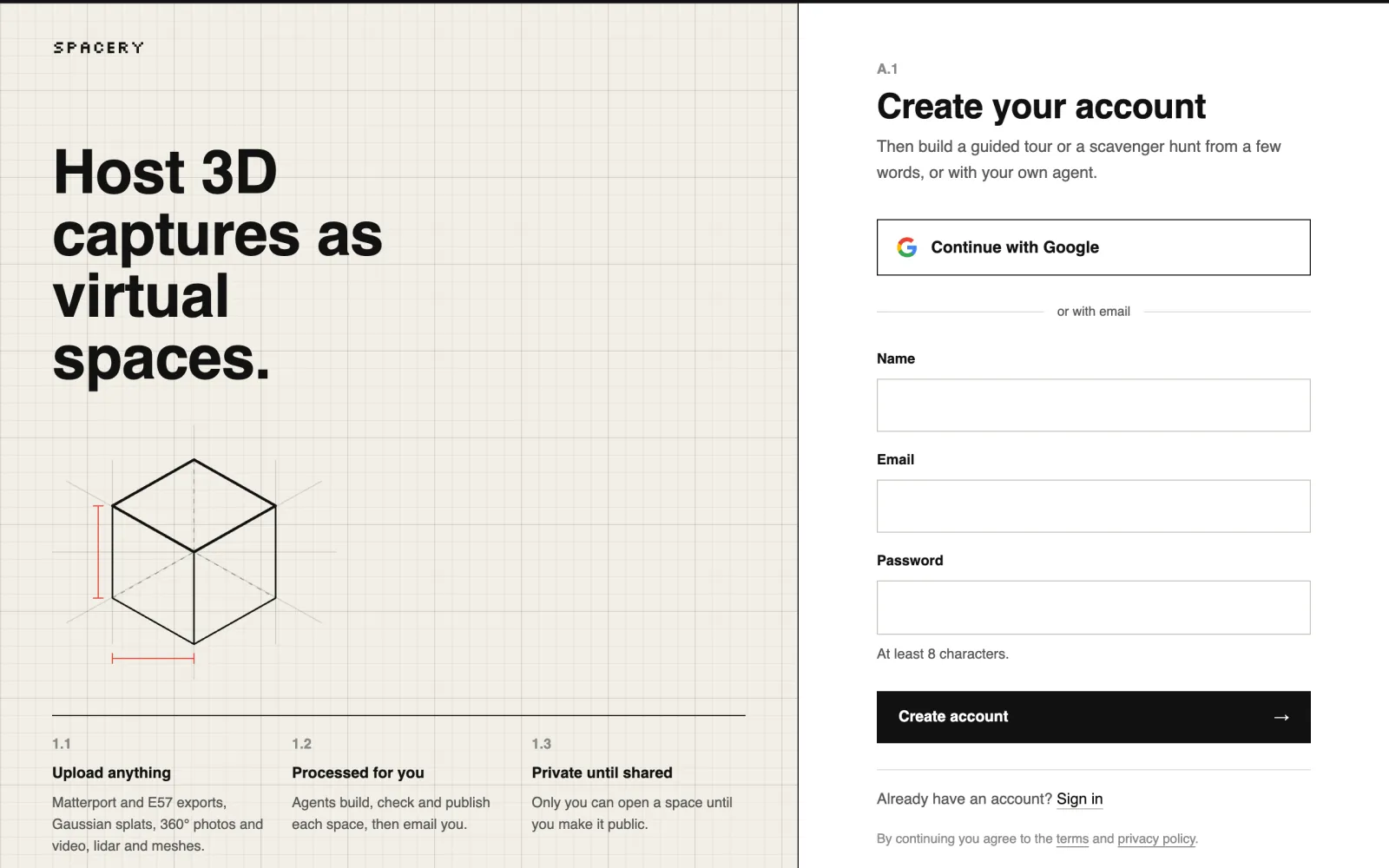
Create your account
Sign up with Google or with your email address. If you use email, open the link we send you to confirm it, and look in spam if it doesn't arrive.
Students who only play a tour or a hunt don't need an account.
- L.2
Choose what to make and where
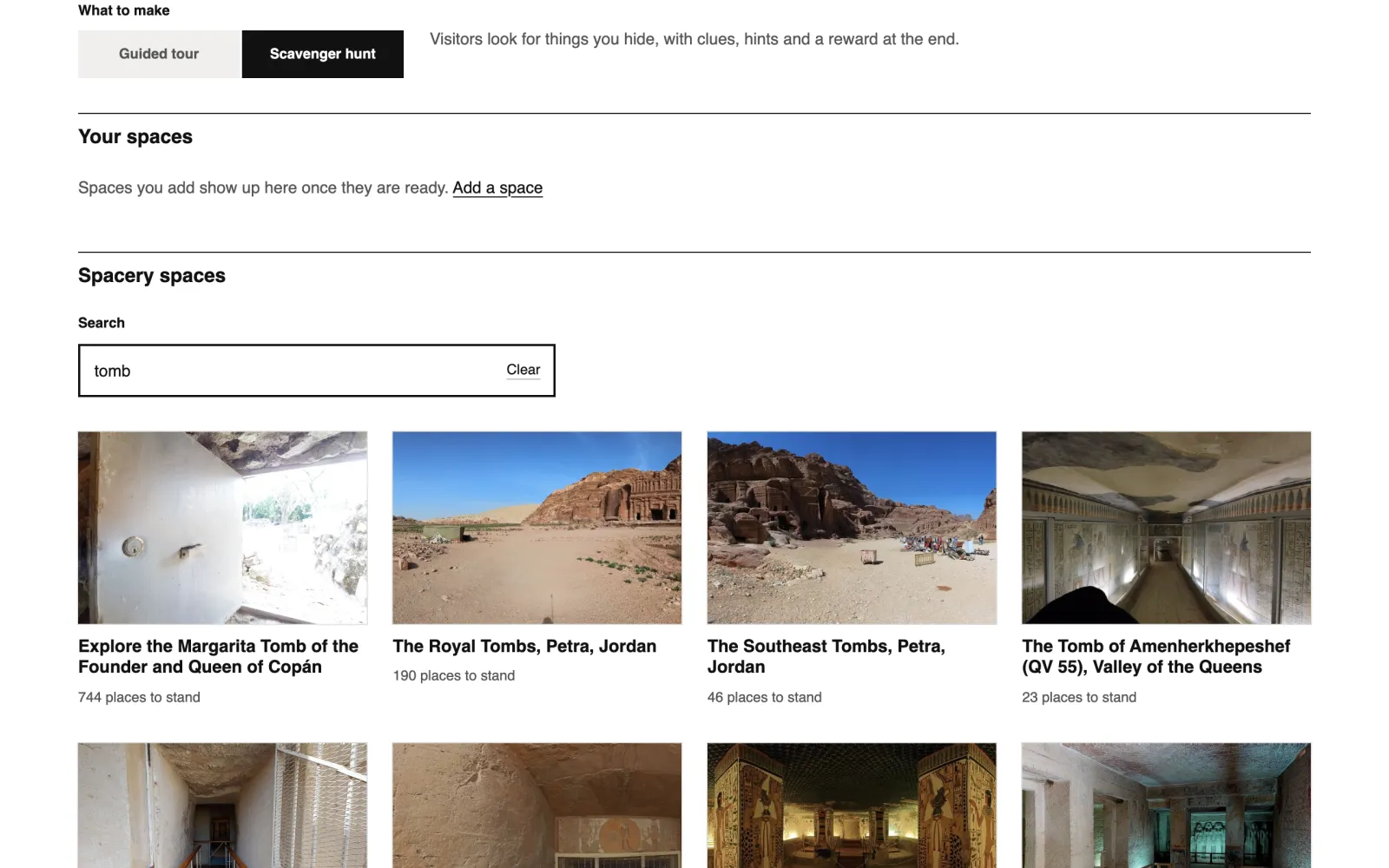
Pick a guided tour or a scavenger hunt, then search Spacery's spaces for a tomb, temple, museum or city to build in. A space you captured yourself works too.
Making tours and scavenger hunts is free, and there's no card to add. Nothing is charged unless you host a space of your own.
- L.3
Describe it in a few words
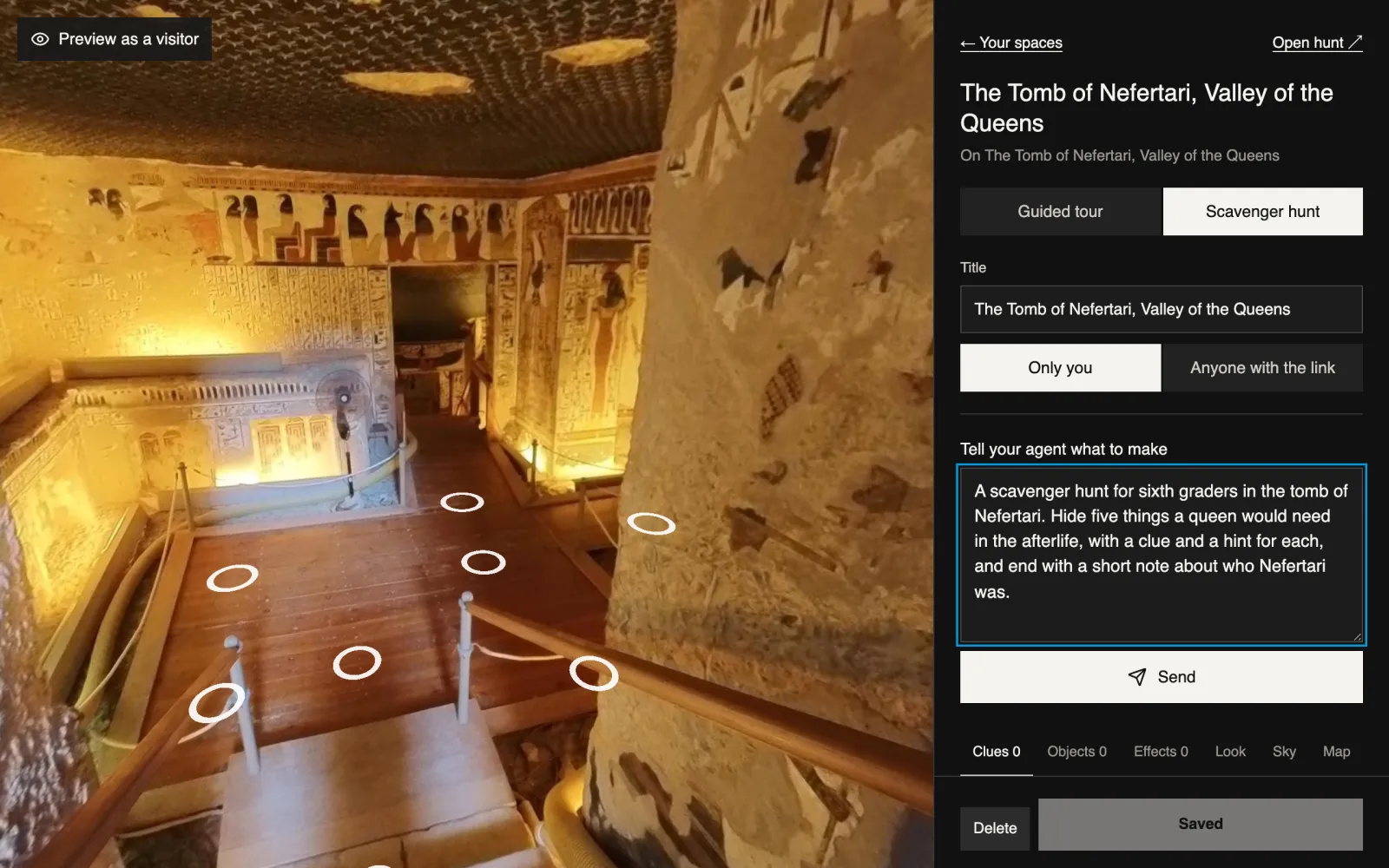
Tell the builder who it's for, what it should teach and how many stops or finds you want. It drafts every stop, clue and hint in a few minutes while you wait.
The agent drafts 3 times a month for free. After that you can keep building by hand, or choose a plan for more drafts.
Try something like this
A scavenger hunt for sixth graders in the tomb of Nefertari. Hide five things a queen would need in the afterlife, with a clue and a hint for each.
A guided tour of Luxor Temple in six stops for a ninth grade world history class, about the Opet Festival. Keep each stop under eighty words.
A mystery for a Latin club at the Library of Celsus. Someone has stolen a scroll, and students find four clues to work out who.
- L.4
Make it your own
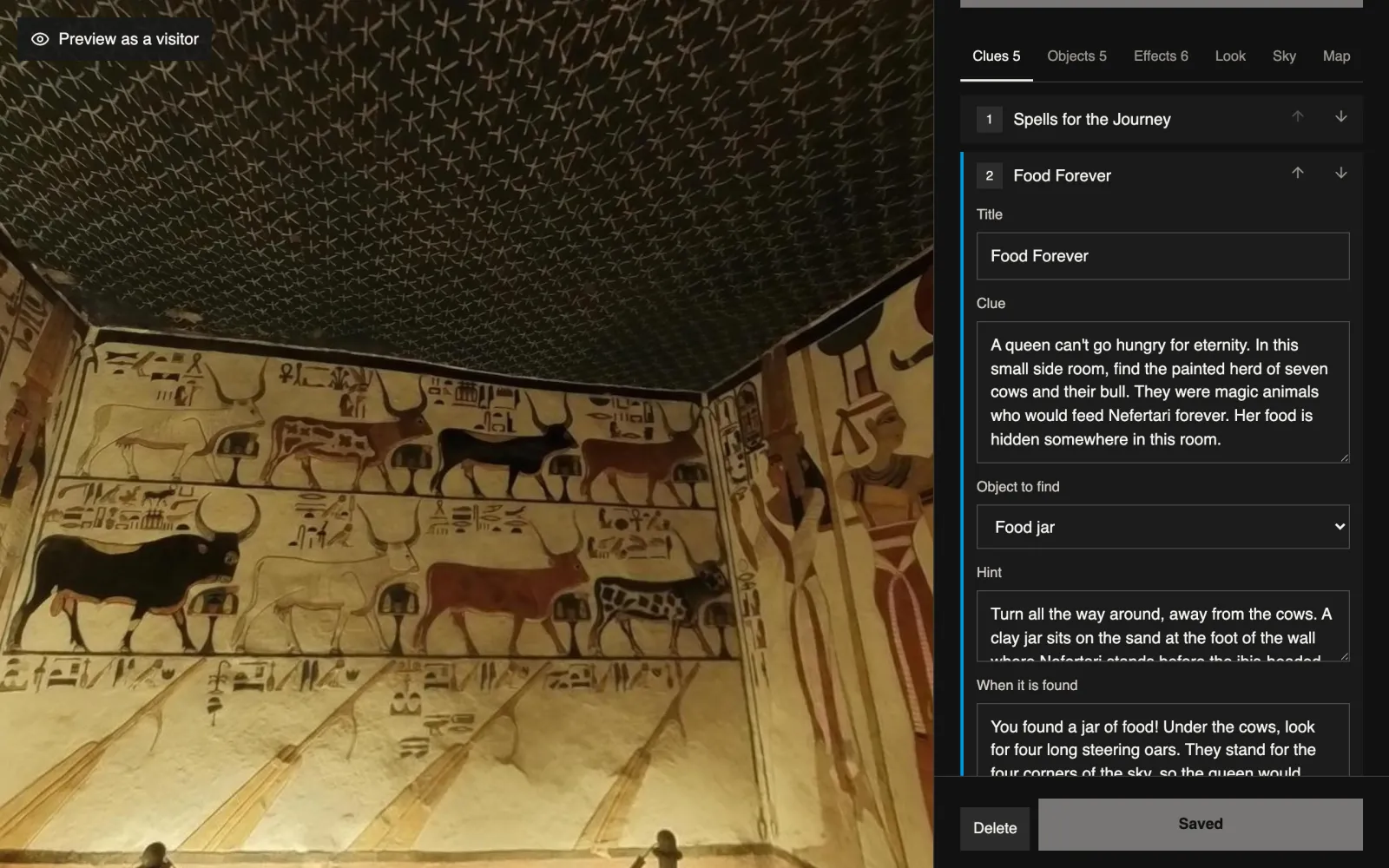
Every word can change. Open a stop or a clue to rewrite it, drag objects into place in the view, and add effects, looks, skies and music from the tabs. Save whenever you like.
- L.5
Share it with your class
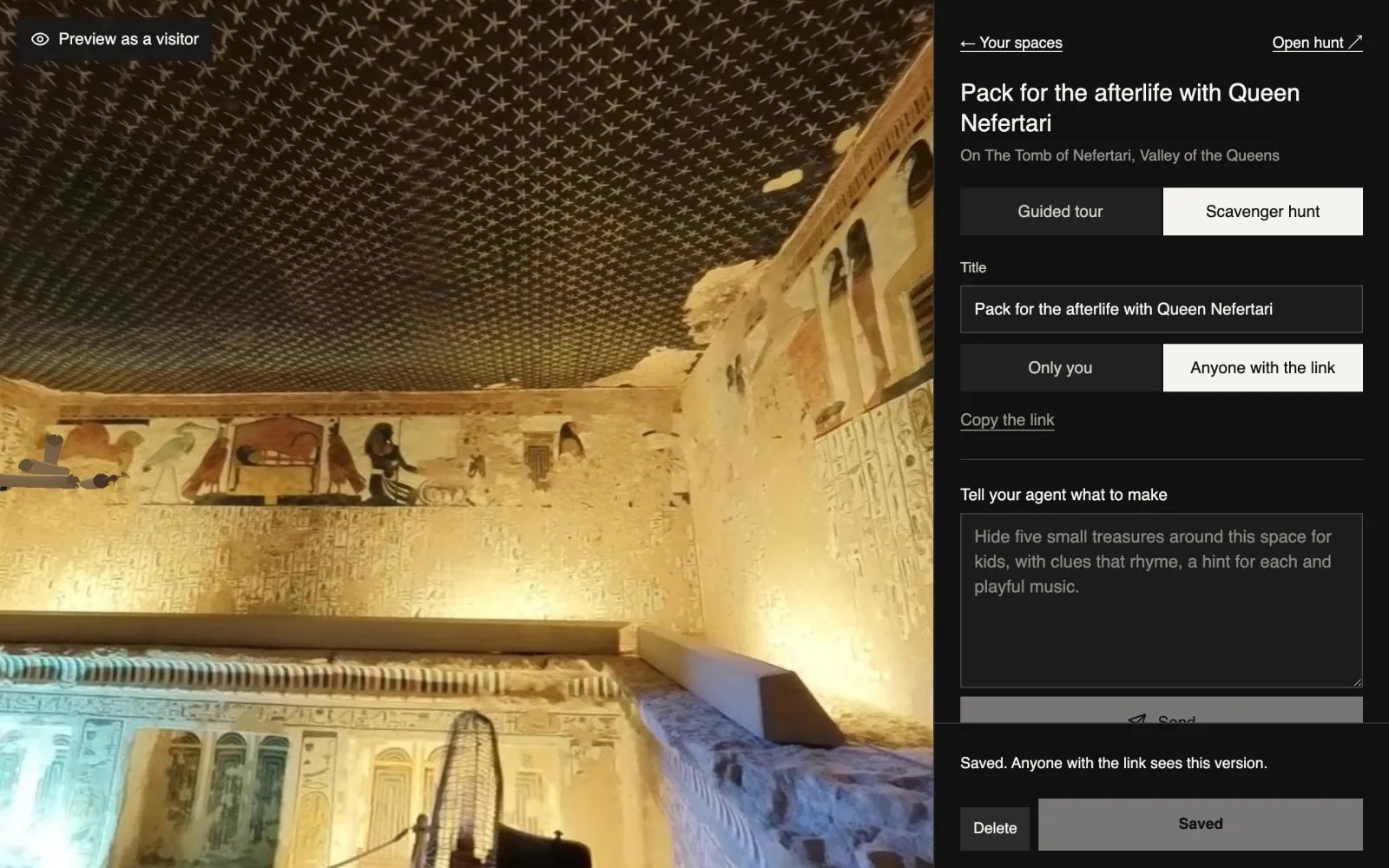
Switch it from Only you to Anyone with the link, press Save, then copy the link into your class page, slides or an email. It opens in any browser on a laptop, tablet or phone.
- L.6
Play it together
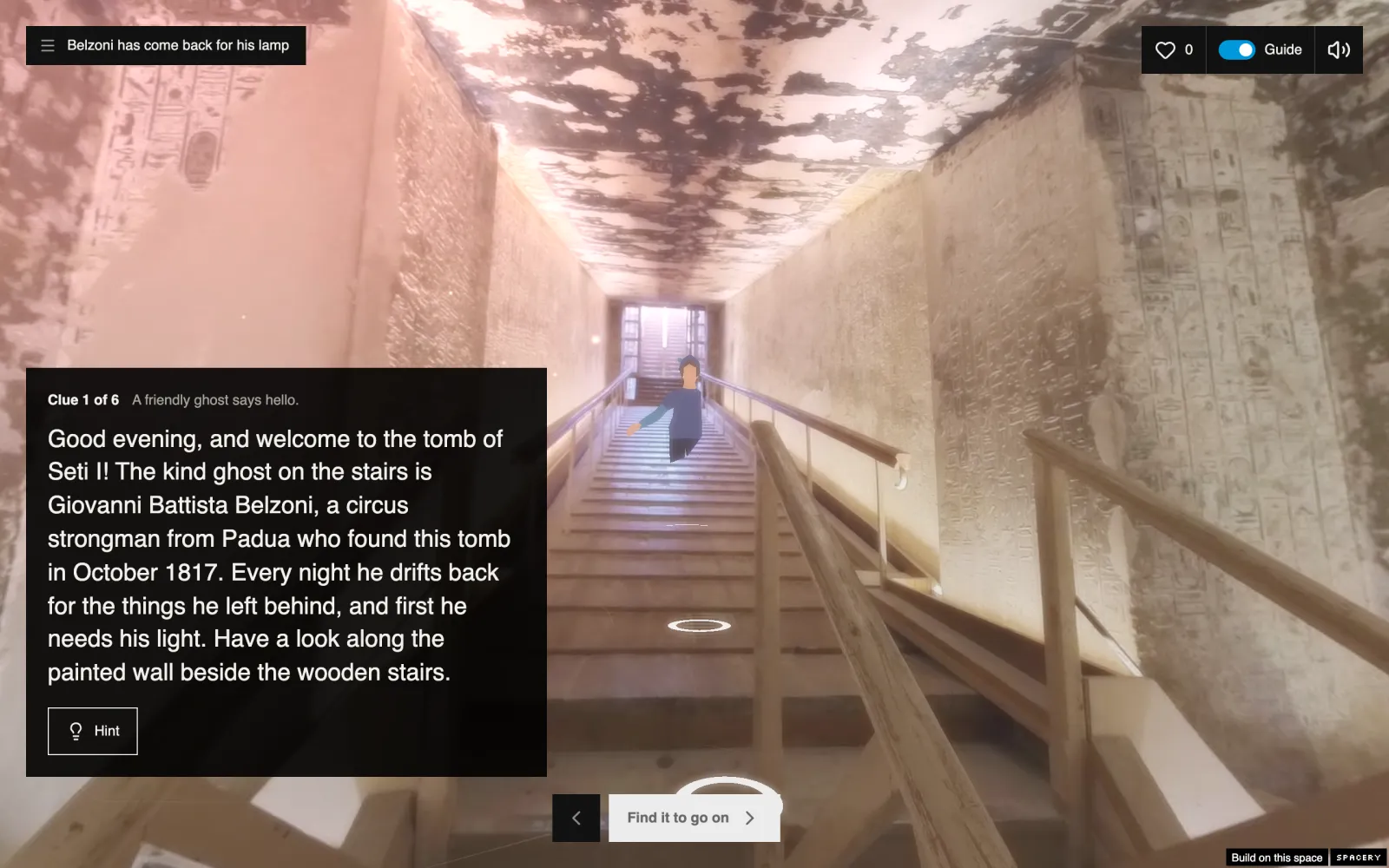
Students look around and move through the space on their own. A tour leads them stop by stop, and a hunt counts every find until they reach the end.
Each student types their name before they start, and Class results in the builder shows who found what and who finished.
Play one first
Scavenger hunts made with this builder. Open one to see what your students will see.
Ready to make one?
Start with any space and change everything the builder drafts.